

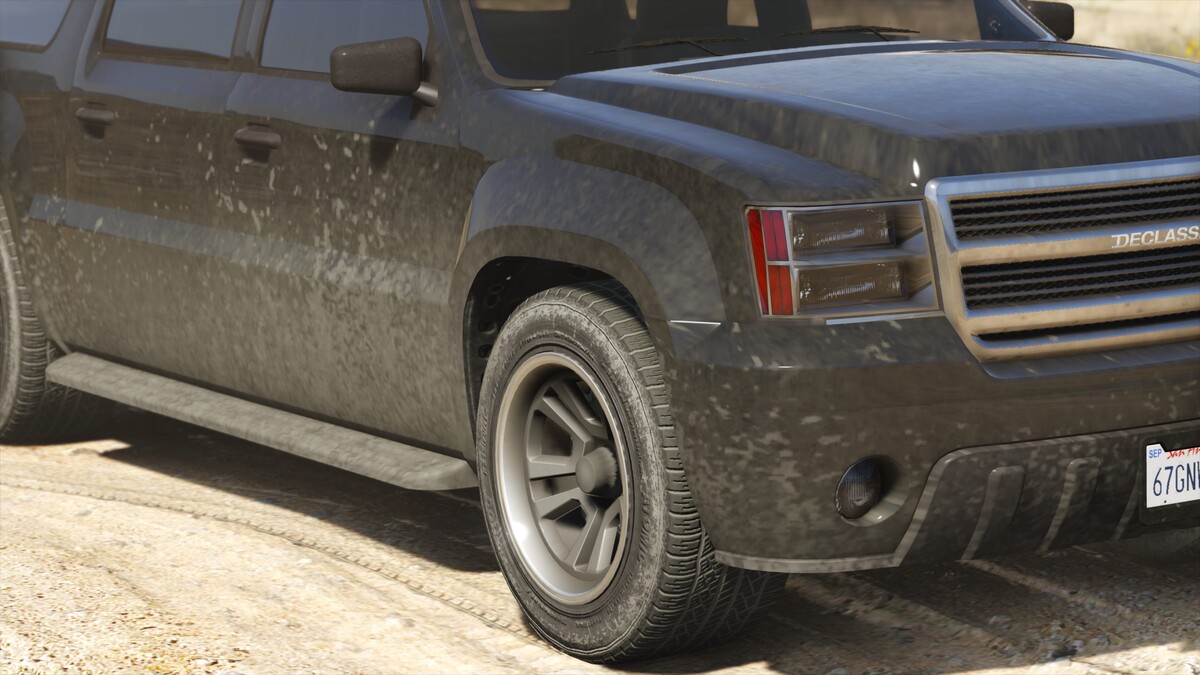
The colors of the dirt in-game depends on the area of the map. In most areas, the dirt will be brown, in the desert beige and in parts of the swamps and other areas green. In North Yankton, dirt will be white.
By default, the game uses one shared dirt map for all cars. Some mod authors also use custom dirt maps made for specific vehicles for better looking results.
Model: Mapping a dirt map
Dirt maps are UV-mapped like any other texture, however they commonly use the UV2 channel, or the UV1 channel for paint materials that use UV2 for the diffuse. More information about UV channels can be found in the Materials and Shaders guide.
The generic vehicle_genericmud_car texture is included in the vehshare.ytd and can be used by every vehicle with properly configured txdRelationships. Many mod authors also choose to create a custom dirt map created specifically for a certain vehicle.
Textures
A dirt map contains three textures. Each texture is a seperate greyscale texture saved in one RGB channel:
- Red: Applies dirt effects while roads are dry.
- Green: Decreases specularity while the car is dirty. By default it's a high contrast version of the red channel.
- Blue: Applies dirt effects while roads are wet.
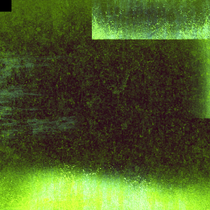


The diffuse will be applied as an overlay on top of the surface. Lighter areas on each channel will have a stronger effect, darker areas a weaker effect. Black will have no effect at all.
Participate now!
Don’t have an account yet? Register yourself now and be a part of our community!