Posts by Cj24

    We no longer allow embedding images from third party websites. This change has been made for multiple reasons: We want to encourage users to attach images rather than use external hosters. We've already had multiple occasions where external images were no longer available and even one case were an external hoster was a potential security threat. Additionally, external hosters could use embedded images to track users on this website.
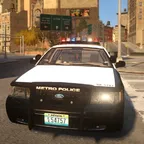
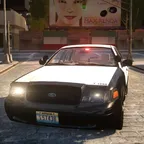
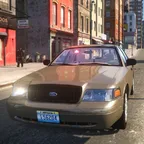

    We recommend the use of attachments to post your own images. Copyrighted work legally may not be uploaded, instead a link to the image should be posted.

    Please note that this also includes images in signatures. We are working on providing a way to upload signature images directly, but it's unlikely that this will be implemented soon.


    We also have some info regarding upcoming changes:

    • The EU's General Data Protection Regulation will take effect on May 25th 2018. We will therefore update our privacy policy in the next couple of weeks with more in-depth information about our processing of personal data.
    • We are currently testing an update to our software that provides a few new small features, we will most likely perform the update some time in the next months.
      Together with this update we will make some changes to the website's design, including seperate light and dark versions. The updated design is currently in progress, however there has not been any final draft so far. We would appreciate input regarding current drafts and if possible by providing new ideas. If anybody is interested in providing such input, feel free to contact me for more info, preferably in Discord.

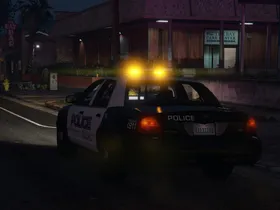
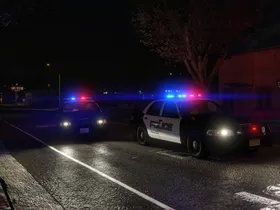
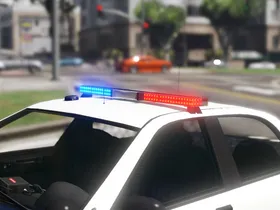
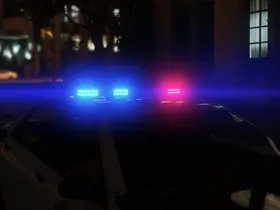
    As the light setup should be final now, here's a new video showing the lights and the light stages:

    External Content www.youtube.com
    Content embedded from external sources will not be displayed without your consent.

    Schecter004 and Frenzie_v2: I like both of those ideas and think I might mix them. I could imagine adding spotlights and maybe an antenna to the extra with the partition would make more sense than using one extra for spotlights and radar, though.

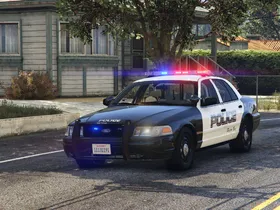
    Update: It's released!


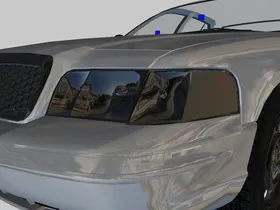
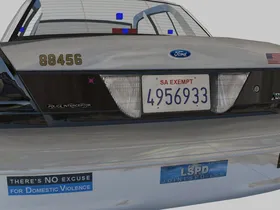
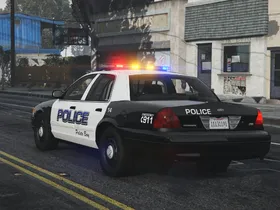
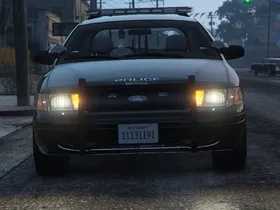
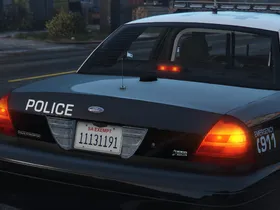
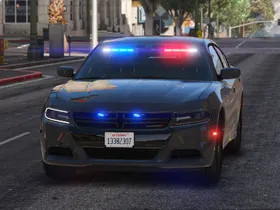
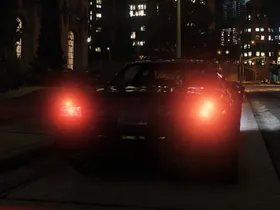
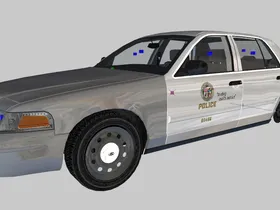
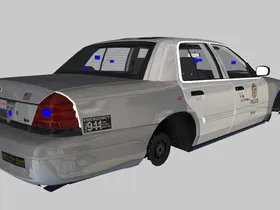
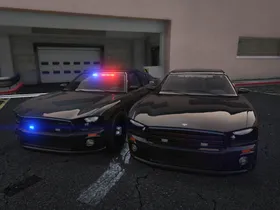
    I've recently started working on another unmarked LSPD Caprice, this time a newer version with a Federal Signal Spectralux ILS and a CN Signalmaster. It's based on the light setup on LAPD's newer unmarked cars. It appears that the LAPD actually (rarely) uses unmarked Caprices: https://www.flickr.com/photos/146280704@N07/31996010736/

    External Content www.youtube.com
    Content embedded from external sources will not be displayed without your consent.

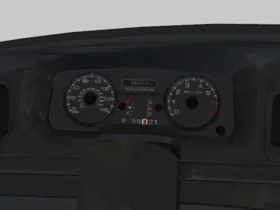
    It will probably take a while until it will be released. While the lighting equipment should is mostly final, the car will be outfitted with updated interior equipment which will take some time to be completed. I currently plan to add a console only by default and add a partition as an extra part that can spawn randomly or by using a trainer. I also have another extra part left, if anybody has ideas, feel free to post them.

    Hello everyone!

    We have a short announcement today: As some of you have already noticed, we have launched a Discord server for our community. To join, visit modding-forum.com/discord.

    Right now we have channels for modding and general discussion and we will continue expanding it as necessary. We hope to welcome more members soon!

    Well, the normals would've been my next idea. ^^ I'm pretty sure GreenAid is right, it seems to be the normals. I apologize for not looking at the first pictures more carefully, those dark shadows in the first pic for example definitely look like faulty normals. I've had similar problems caused by spec maps, that's why it was my first guess.

    We have a guide regarding the calculation of normals here: Calculating Normals

    The general idea when calculating normals is that all parts that are supposed to have smooth edges should have welded vertices, parts with hard edges should either be detached like shown in the guide or have their edges sliced.

    Those spec maps are most likely the reason. Spec maps in GTA V support RGB colors rather than just using greyscale, with each channel having their own effects such as shine or reflectivity.

    I've attached the default spec map as an example. The tires are meant to be dark blue or purple. Light green or light blue is used by default for black or grey rims or hubcaps. Red affects the shine and green the reflections. If the color is brighter overall, the effect is stronger.

    It's sometimes difficult to find colors that work well with the diffuse map. I would recommend trying something like R 150, G 100, B 150 in-game and continue adjusting it.

    We have introduced the following terms to our Terms of Use:

    Quote

    4. Conversations
    4.1. Conversations are private messages only meant for the parties involved. It is not allowed to share messages without previous consent, except when reporting a message as described in section 4.3.

    4.2. Advertising or the handling of any commercial activities is forbidden.

    4.3. If a participant in a conversation has reason to believe that a message violates our terms of use or applicable law, they can report the message. The content of the specific message will be automaticly disclosed to the website's staff members.

    Explanations

    • 4.1: We have introduced this term as private messages may not be shared with third parties by law in many countries.
    • 4.2: This section is a clarification that any commercial activites in conversations are explicitly forbidden. Commercial actvities, including within conversations, have always been forbidden according to section 3.4. of the Terms of Use.
    • 4.3: This section describes when it's appropriate to use the report tool and what information is disclosed to staff.

    The new terms will be applied on January 14 2018. Every registered user is then going to have to accept the changed Terms of Use to be able to continue using our website.

    [staffnotice]

    Thread moved to Graphic Design & Texturing[/staffnotice]

    Very nice textures! Considering siren controllers are usually mostly flat, it's easy to use very low quality meshes together with textures and normal maps. Glad to see more people attempt custom made textures rather than just using photos, the result is so much better.

    As the livery is visible, it looks like the textures of the car's .ytd files are all loaded. The missing textures are shared textures found in the vehshare files and shared interior files, as explained in the guide. I believe the police cruiser uses the vehshare.ytd and the vehicles_poltax_interior.ytd, both found in vehicles.rpf in x64e.rpf.

    Looks like I finally found somebody to test whether our guides really are beginner friendly :D

    Basicly, ZModeler saves the location of textures, either folders containing seperate images such as png or dds files or complete ytd archives. Additionally, it's possible to set up folders that will always be used, I use that for vehshare textures for example. This can be set up in ZMod's configuration (little icon next to the edit button on top) under Services. I usually keep all my textures in a folder that I add before importing the model. You open the texture browser as shown in the guide, click "Add..." and select your textures (or even a complete .ytd).

    As soon as you select one of those textures, ZMod will remember this folder. When you import a model, it'll look for all textures in those folders with the same names as those included with the model and add them to the Texture Browser. Alternatively, while importing, you can set specific preload packs as mentioned in the guide to either automaticly use all .ytd files in the folder of the .yft or specific files.

    I've released an update to both versions to include placeholders for the stickers. The previous version without placeholders is still included. The 2017 sticker in the default version has been updated to 2018.

    Cj24
    October 3, 2022 at 10:28 AM
    Cj24
    August 14, 2022 at 8:20 AM

    Hey,

    Great to see you back!

    The basic way things work is still pretty much exactly the same, you have materials with shaders and a geometry with LODs. The main difference is that the interface of ZModeler was changed, for example instead of having to put the name of a shader in the material to make it work, you can now simply select preset shaders that add all necessary maps, meaning all you have to do it is select the textures to use.

    A more complicated change are the compounds, which are as much as an advantage as a disadvantage. Instead of having LODs as children of the dummy, the dummy is now a compound that contains each LOD, allowing you to simply switch between the LODs of all objects with the click of one button. The disadvantage however is that compounding and decompounding can be tedious, since it's usually always necessary when having to edit more than one LOD of one or more objects.

    I recommend taking a look at the guide ZModeler 3 and Vehicle Mods, it explains many of the basics. Some parts are obvious when coming from ZModeler 2, but a few things are new or different.

    The reason why it isn't exporting is because your materials aren't set up properly. There are a multiple warnings for incorrectly set up materials while exporting and one error (which ultimately prevents the export completely), the material "misc 2 generic" has no shader information. Here's some info about material and shader setups: http://forum.zmodeler3.com/viewtopic.php?f=31&t=7350

    There is one big other thing: Your added equipment is not going to work, it needs to be attached and compounded. Take a look at this: http://forum.zmodeler3.com/viewtopic.php?f=31&t=7353

    Manually saved z3d files usually have a lower size, since they are compressed (unlike auto saves). In this case, it seems like all textures are stored in the z3d file instead of being seperate. I have to admit, I have never seen that before and I have no clue how to change it.


    [staffnotice]

    Lastly, please don't post a car's complete z3d file without any credits. It's usually sufficient to post a picture of the messaging bar at the bottom in case of errors during import or export, for further issues screenshots of the hierachy and the material browser are helpful. I have removed the link.[/staffnotice]