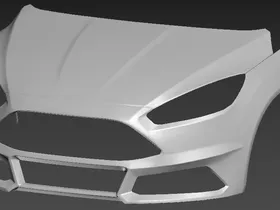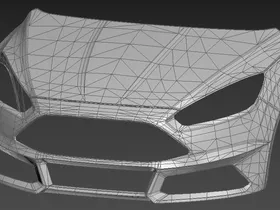
If you select the vertices of the DRL mesh, you can assign the headlight IDs in the properties.
[headlight_l] = 1 & [headlight_r] = 2
Doing this will make it so that the DRLs only light up when the headlights are on.
If you select the vertices of the DRL mesh, you can assign the headlight IDs in the properties.
[headlight_l] = 1 & [headlight_r] = 2
Doing this will make it so that the DRLs only light up when the headlights are on.
Update 14
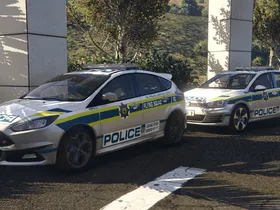
Lightbar and auxilary lighting fitted with the same setup as the GTI. Only remaining tweaks required are the headlights/taillights, once those are done I can proceed to make LODs and prepare for release.
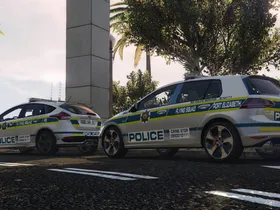
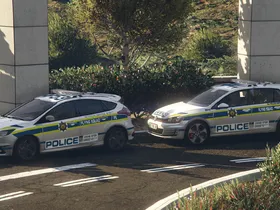
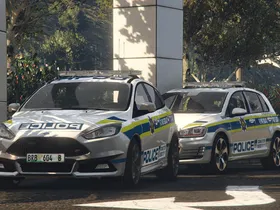

The thing is he said the wheel model doesn't have L1 yet, so he doesn't really need to do all that stuff, just make the lods.
Oops. Yeah, I missed that.
I've experienced weird issues using autodetect and as a result I don't use it. I'd rather suggest just manually selecting highest only for the _hi.yft and also all but highest for the _.yft
Just have a look to see whether the L0 tyre model still has the tyre material assigned to it and make sure its compounded together with the L1 with it's axis reset to the parent dummy. Also worth a try painting the L0 wheel fully white in the alpha channel, I've had strange instances of other parts being painted while for instance painting windows black to remove tint.
Other than the fact that the body looks gray, really nice!
BRB plate lole
Yeah, early stages but I'll fix it down the road. I've experimented with baking AO into the livery of the Golf and I'm doing it with the Focus again because I honestly can't stand the blinding glare that comes off white cars ingame when the sun hits them. That glare kills off the ability to see body lines and detail.
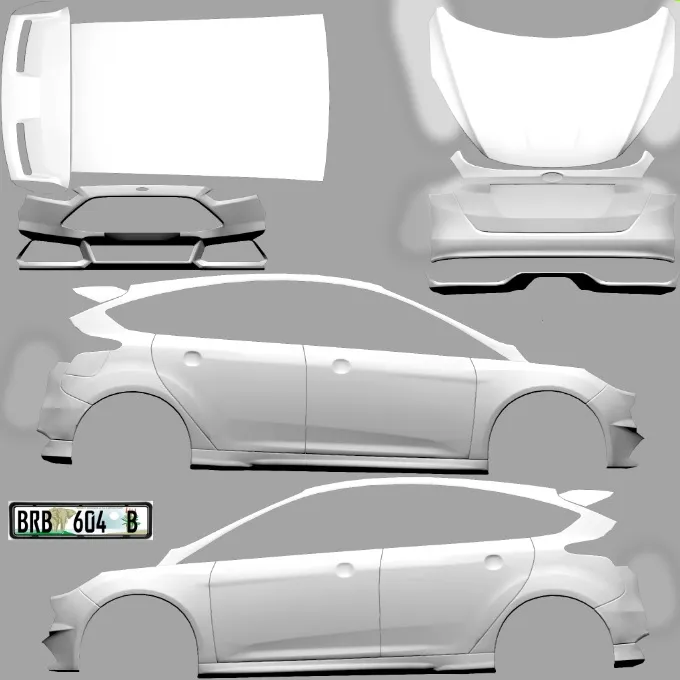
As funny as it also may be, they genuinely use BRB plates. SAPS cars' first 3 characters will always start with a B, followed by a random letter, and then end on a B. The final character is also a B to identify it as a police vehicle. The B at the end is usually replaced by province designation such as EC, GP, CA, etc. on civilian cars.
Update 13
Reflective liveries enabled and ironed out some material issues. Still focusing on specular tweaks and need to make the rear window defrosting tracks.
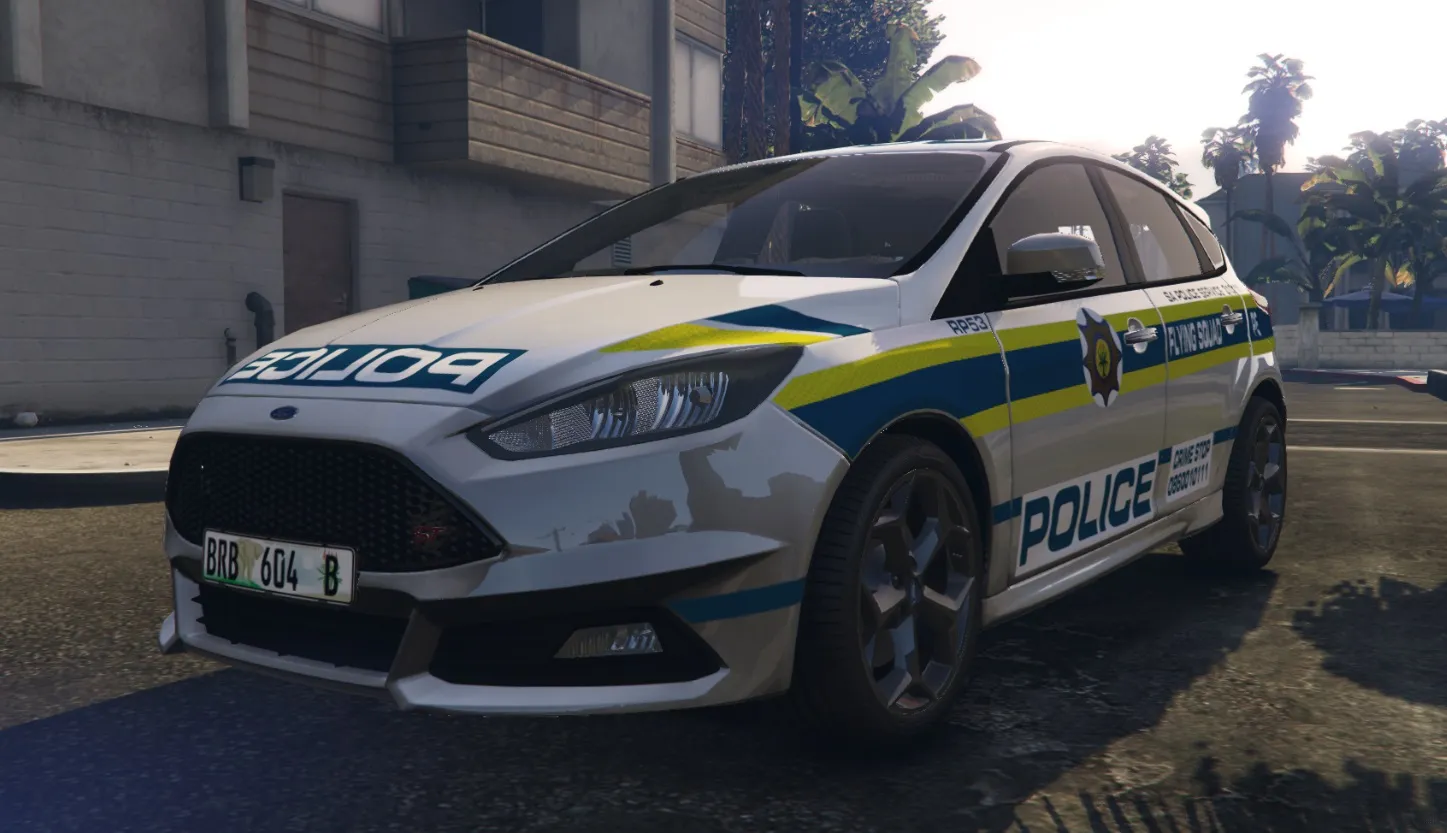
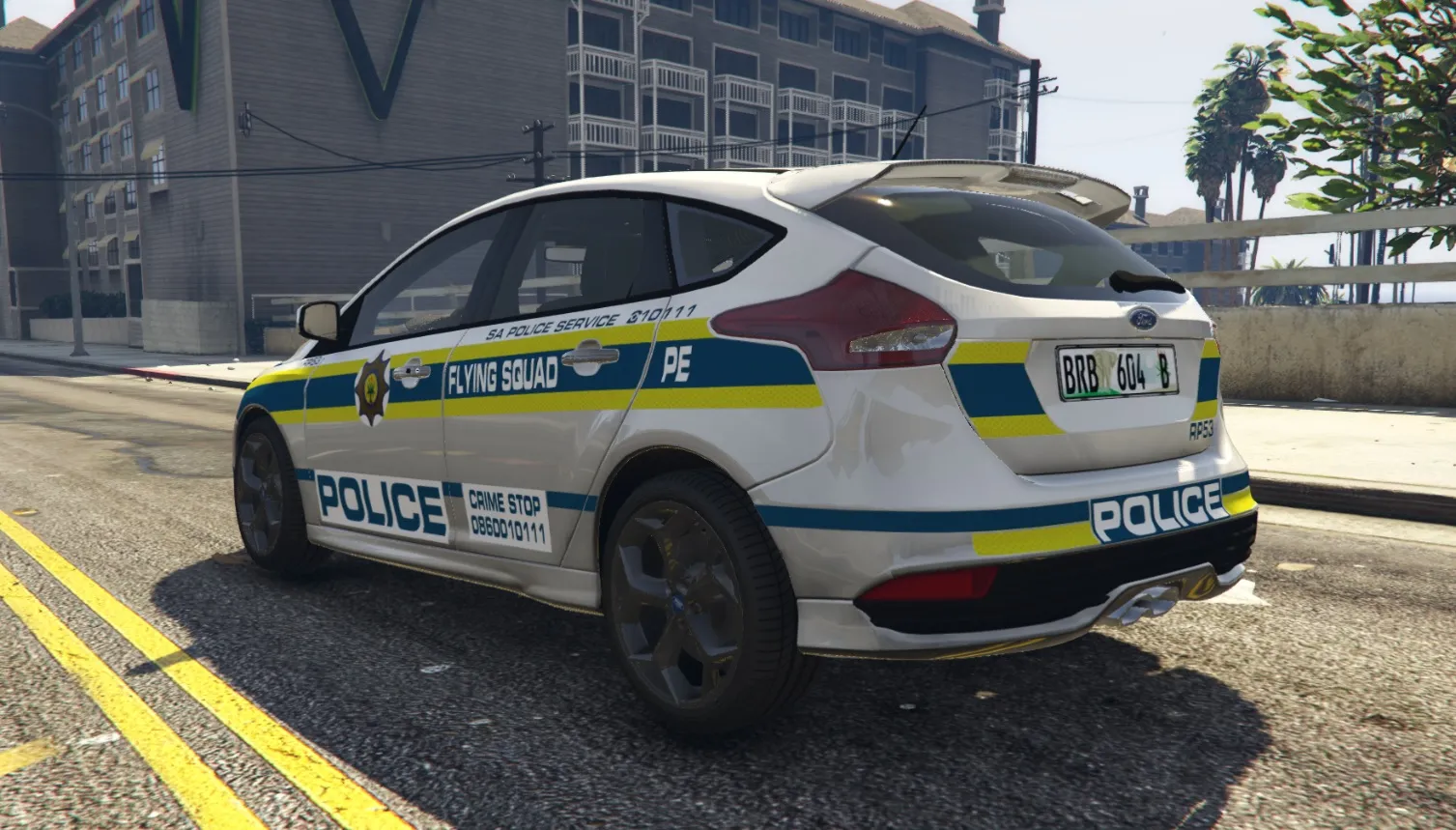
Update 12
Model is finally ingame with minimal bugs, mostly diffuse and specular maps needing a few tweaks.
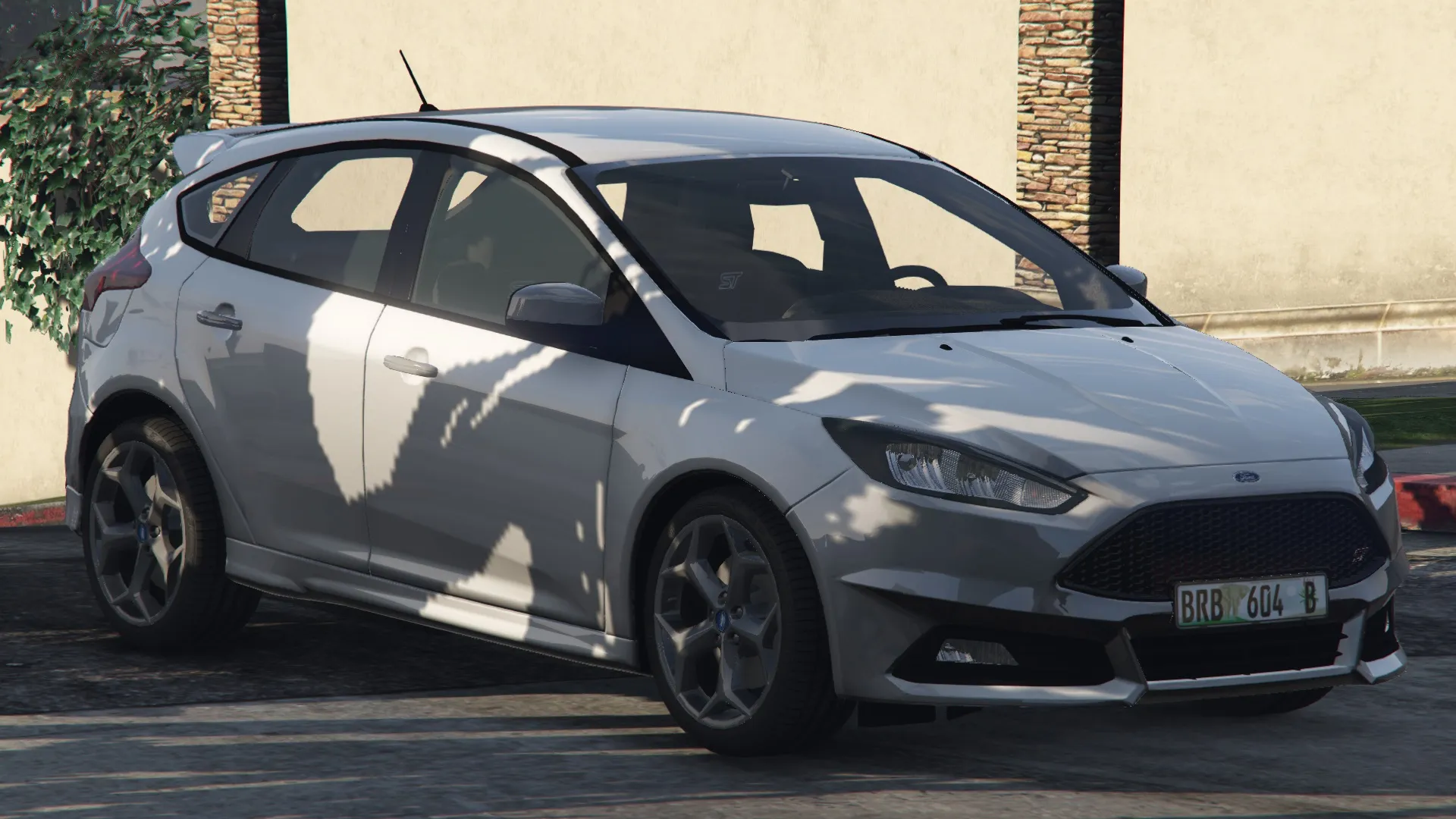
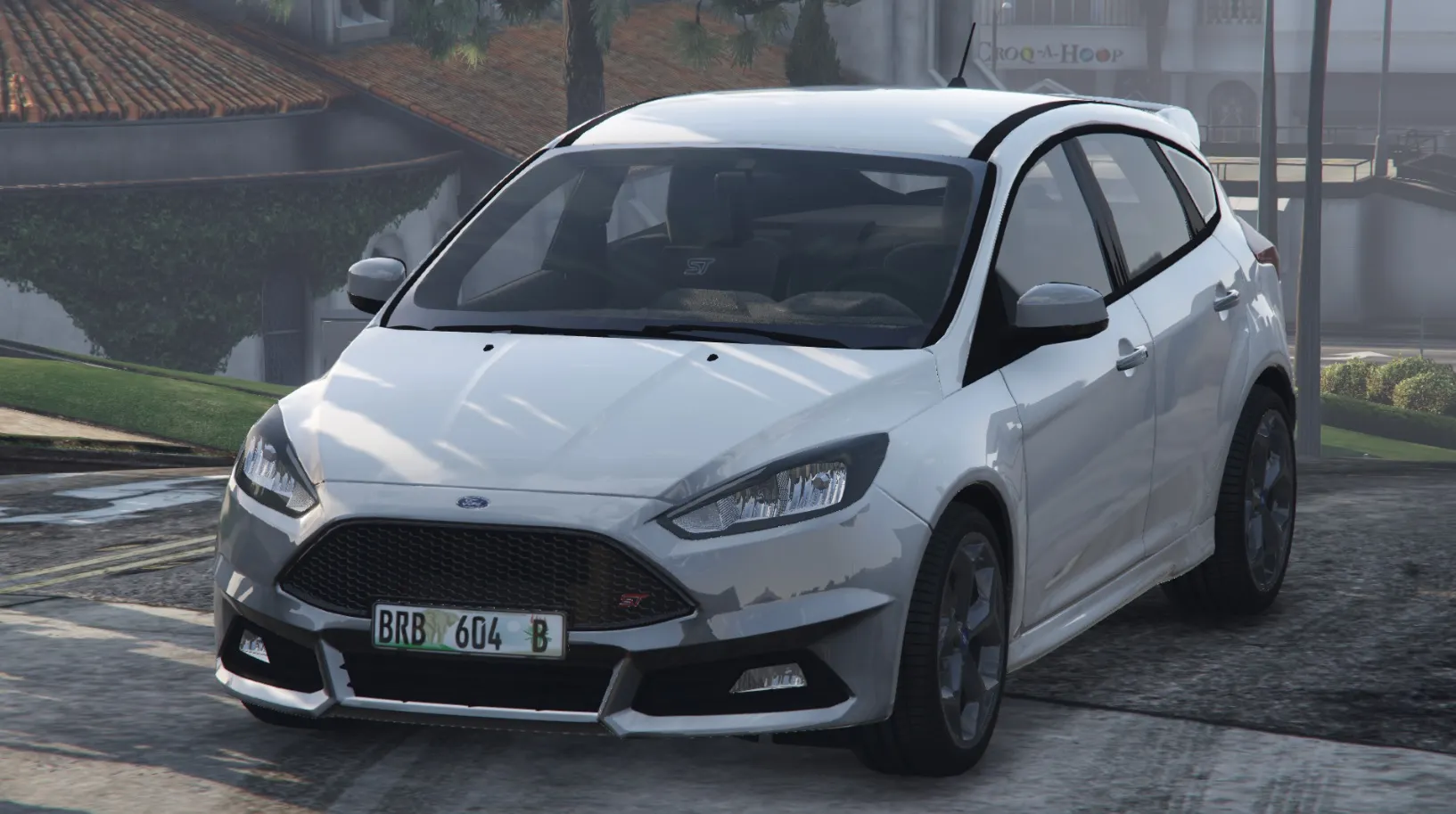
I won't explain the templating process because that's a lengthy matter on its own but I'll assume you know how to do mapping in 3DS Max and point you towards that colourful function, actually referred to as normals rendering.
Modifiers > UV Coordinates > UVW Unwrap
Then find and click on the Open UV Editor button, a window will appear with the UV mapping and then proceed as follows:
Tools > Render UVW Template > Under mode, select "Normal"
Select any other options you'd like and click on Render UV Template.
EDIT:
Below is a video from a quick search, it should serve as a basic guide for you if you're not familiar with 3DS Max mapping.
I'd also lean towards ENB. Alternatively the only other method I know is to edit the specular textures of said car in it's .ytd file, but unfortunately this is very dependent on how the modder has set up a model and will differ with every car.
Update 11
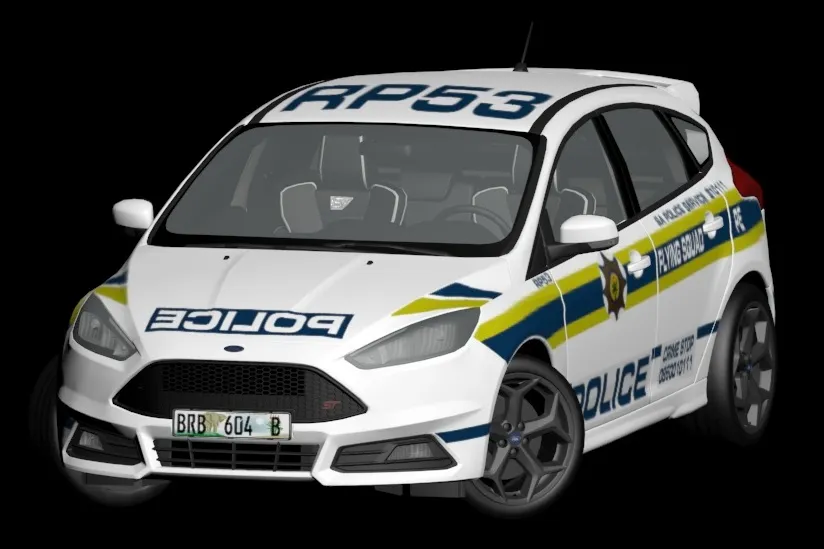
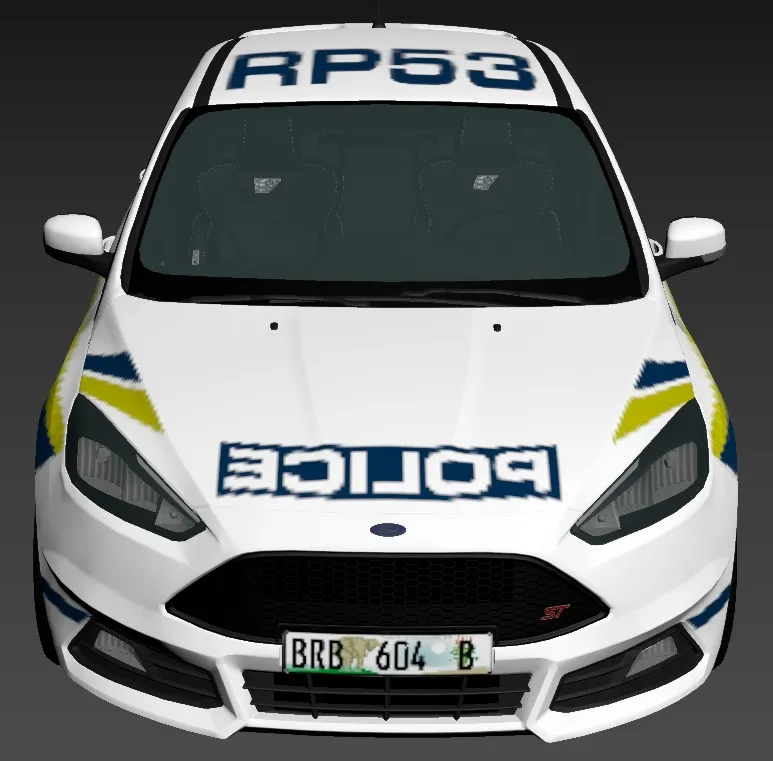
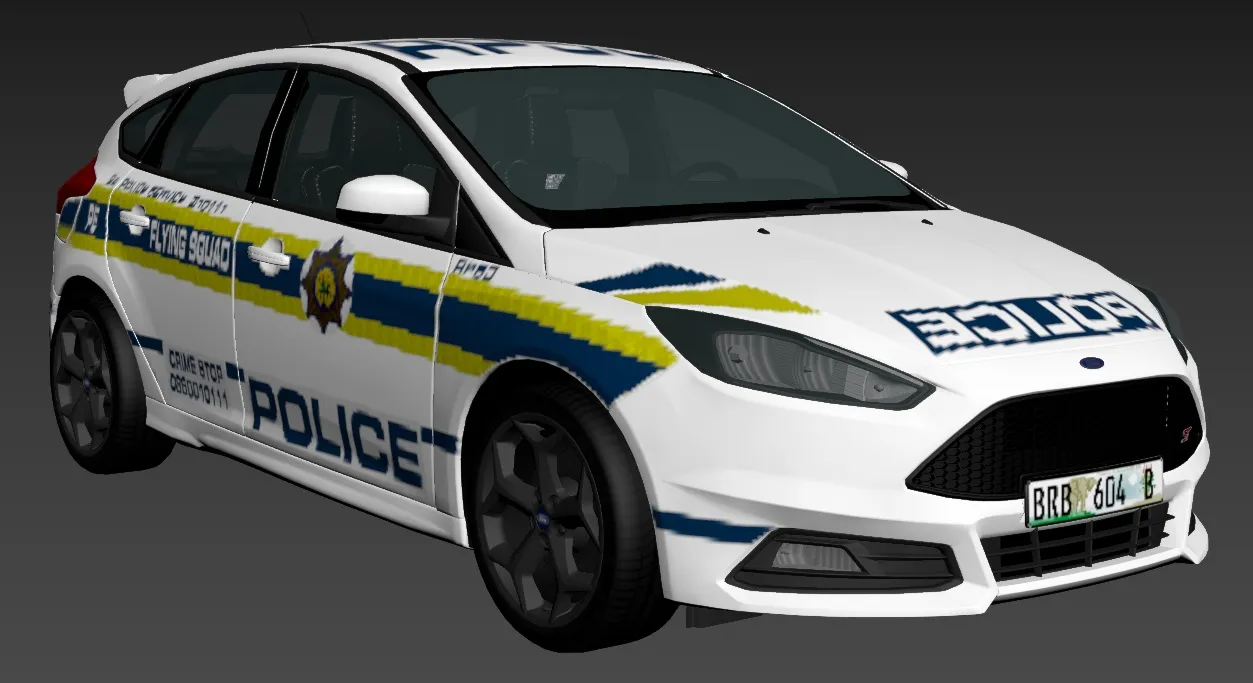
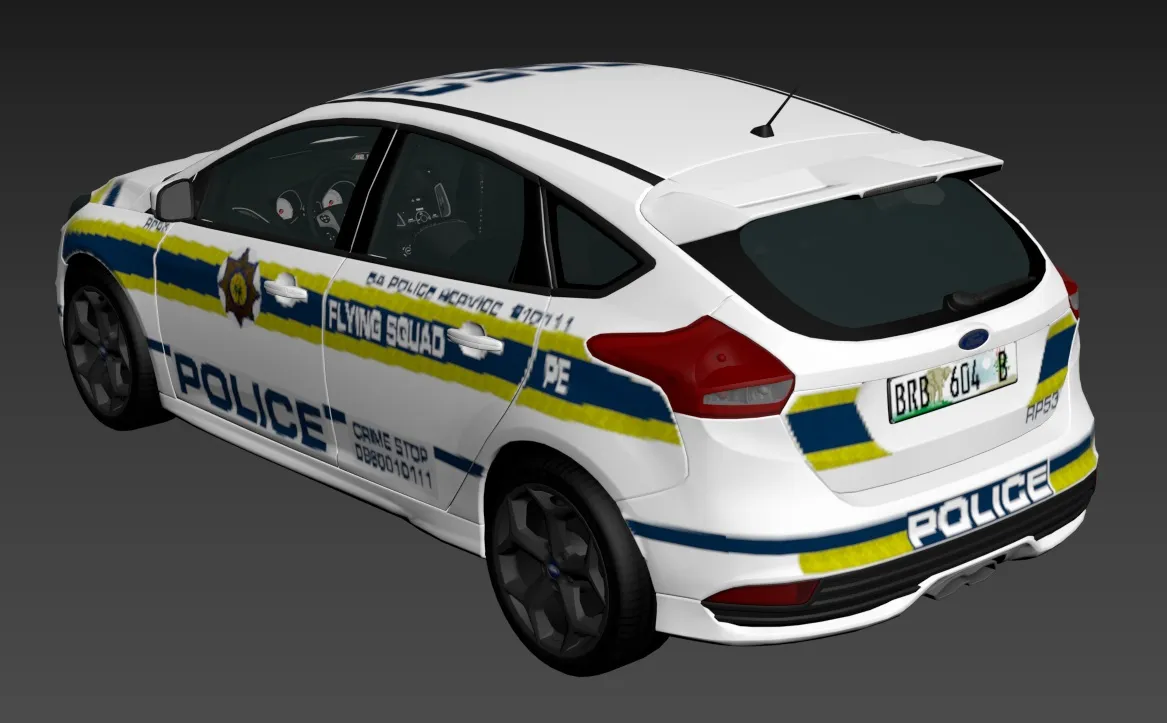
Livery made, Euro plate cutouts made, and badging added. A noteworthy edit in the previous post I forgot to mention was the rear bumper reflectors, I also fixed the sizing as they were too short.
Update 10
Interior finished, body templated, and most of the exterior is done. Just a few more details missing such as front ST badging, and the EU spec license plate cutouts in the bumper/grille.
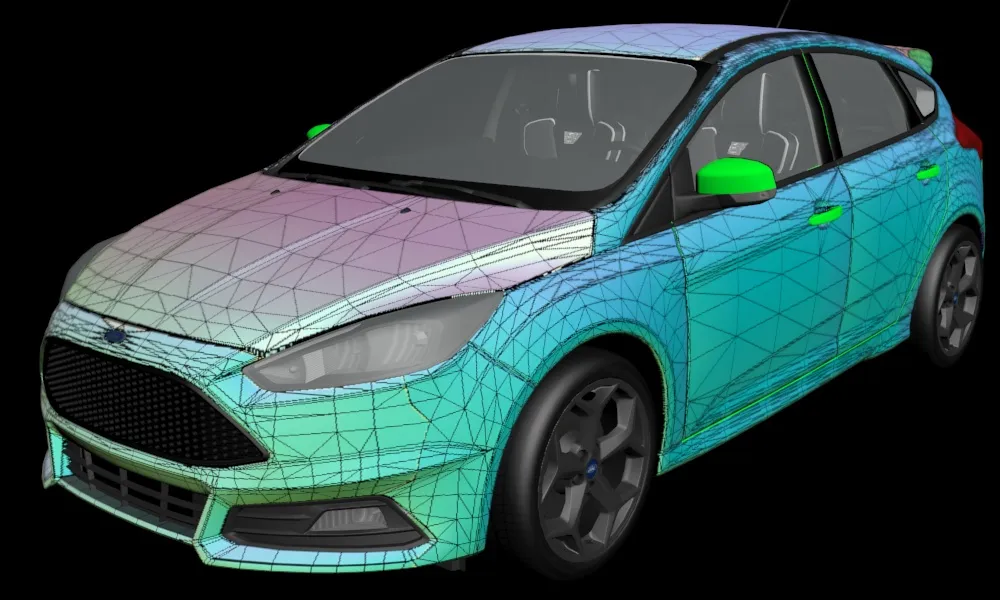
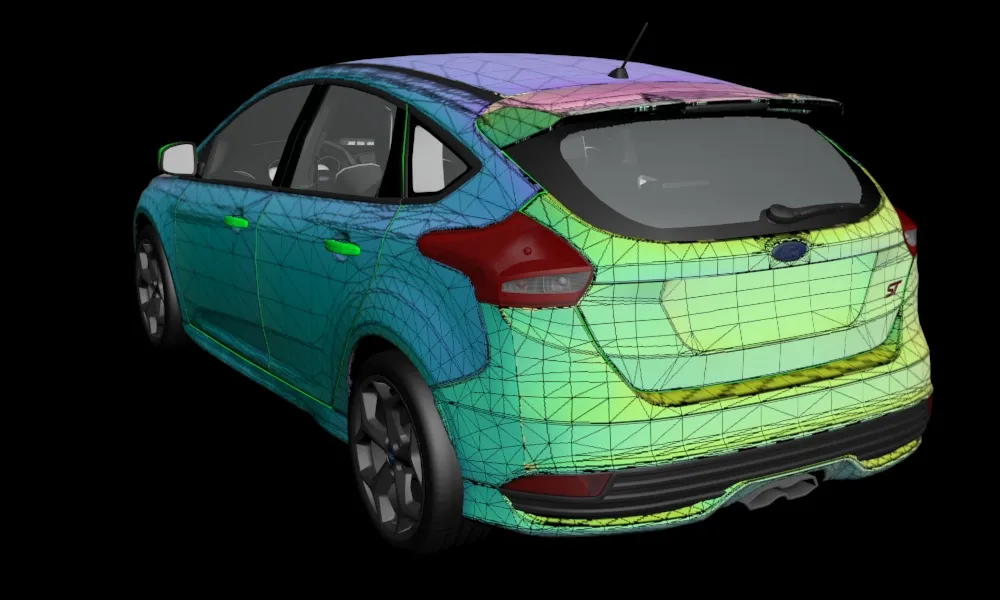
Update 9
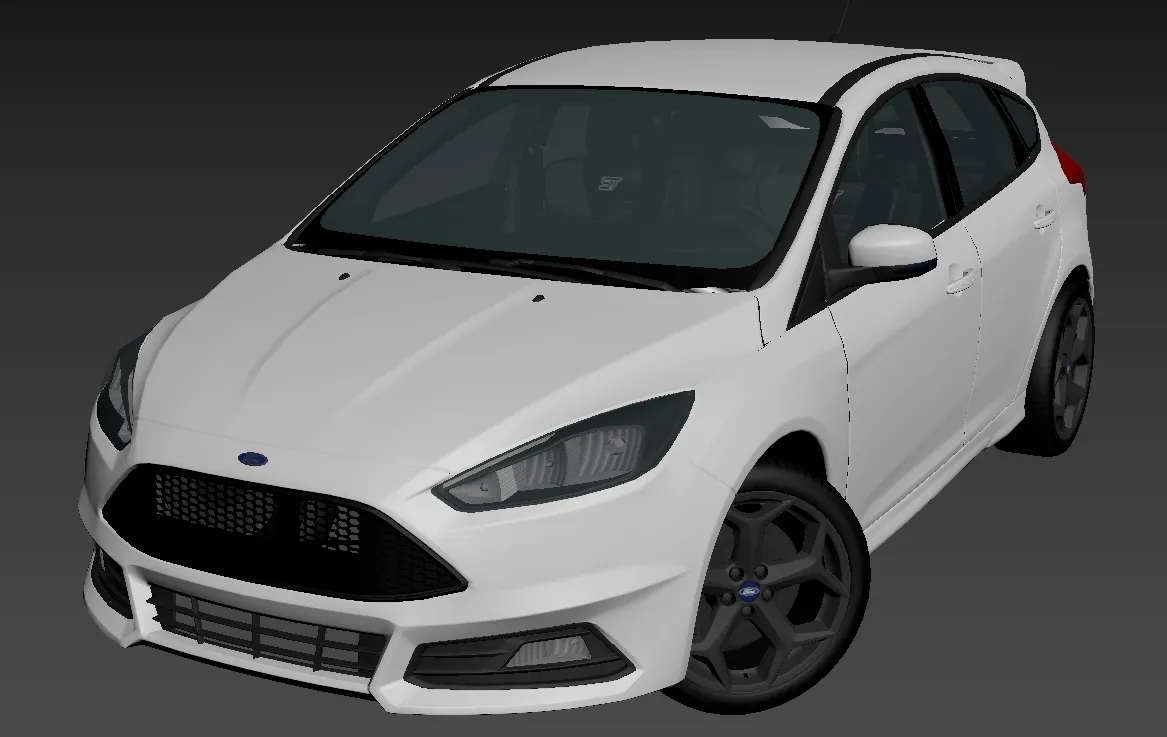
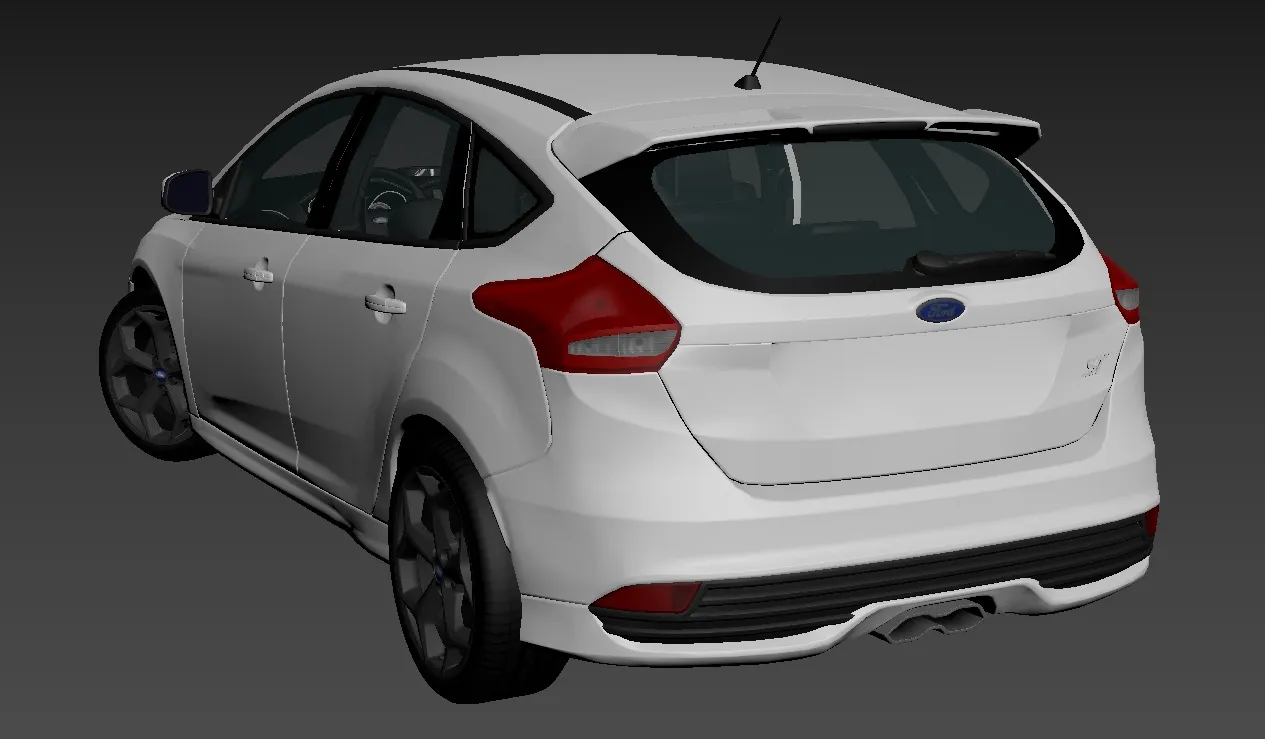
Interior is fitted. Most of the exterior finished, just a few trims and interior textures left.
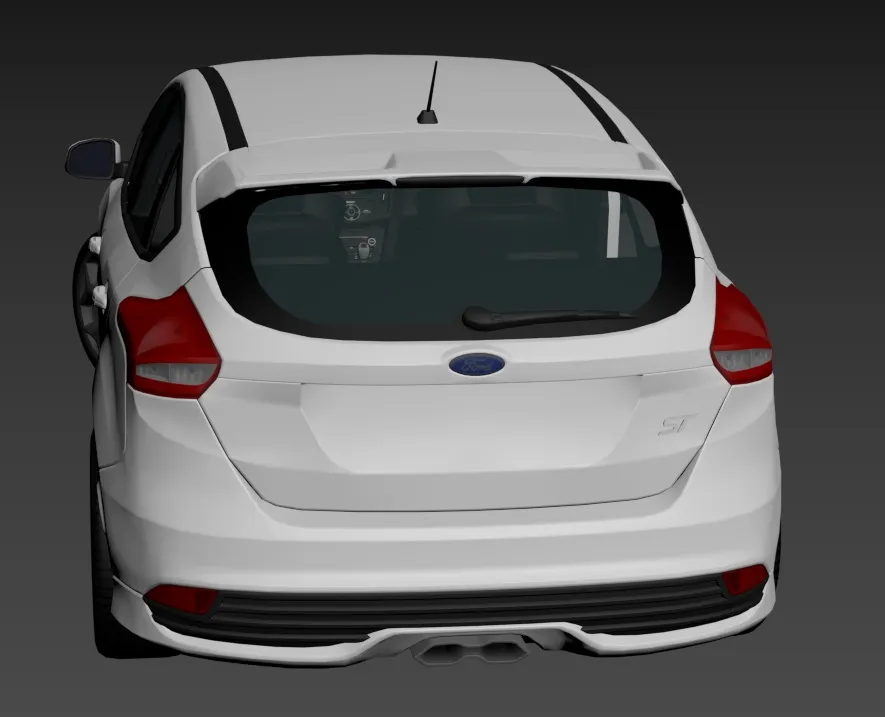
The truck looks great! But I do have to say, that lightbar look beautiful
He is beyond a perfectionist.
Update 8
Heres a rough mirror of the car so far with the textures I'm making. Still have to do badging and other missing details. Soon I'll be able to move onto the interior.
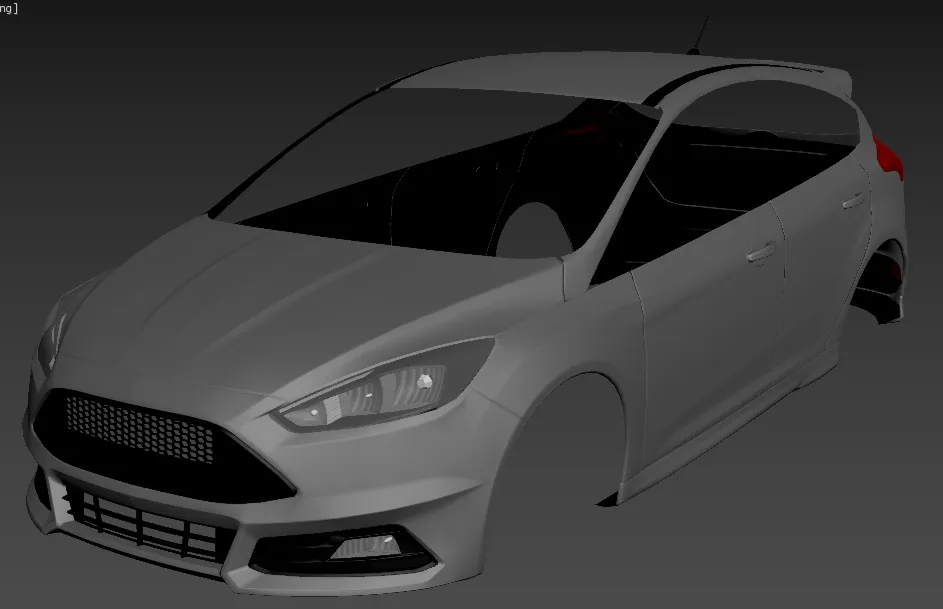
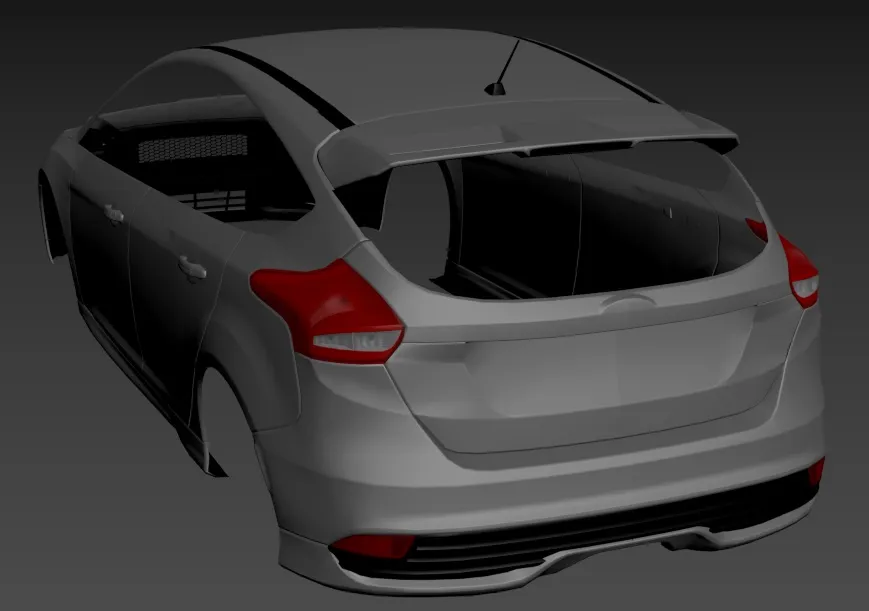
Update 7
Taillight internals done. Moving on to make textures.
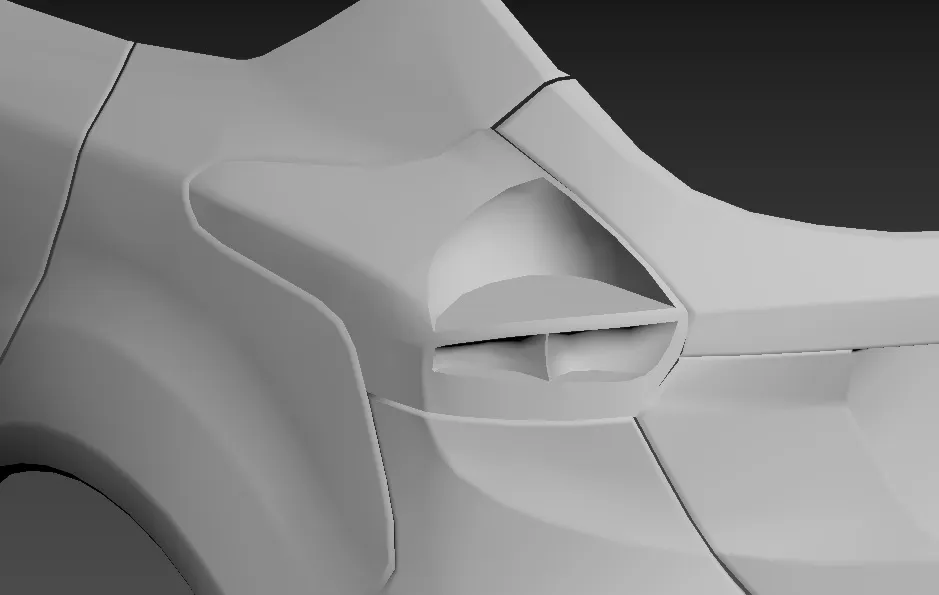
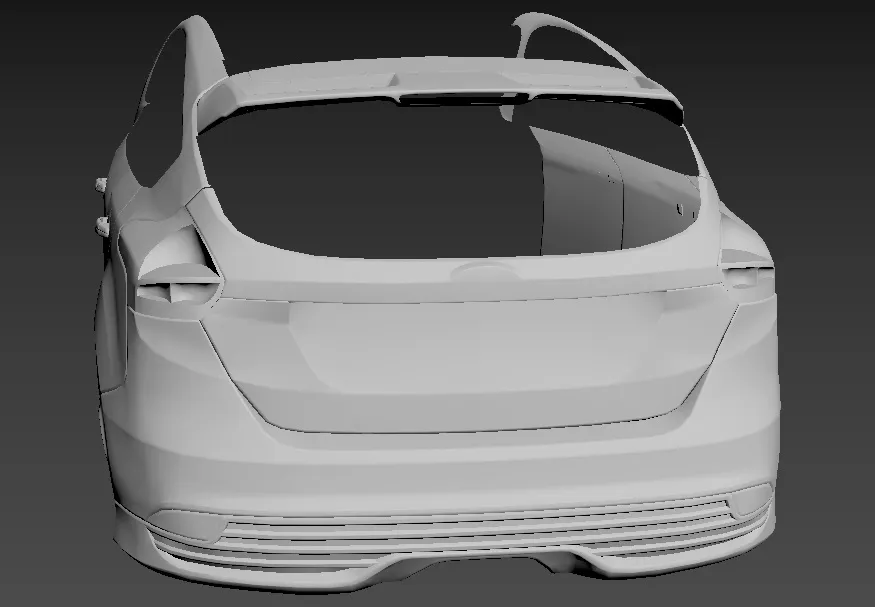
Update 6
Realized I made a mistake with body lines on the bumper and corrected them, modeling taillight internals next.
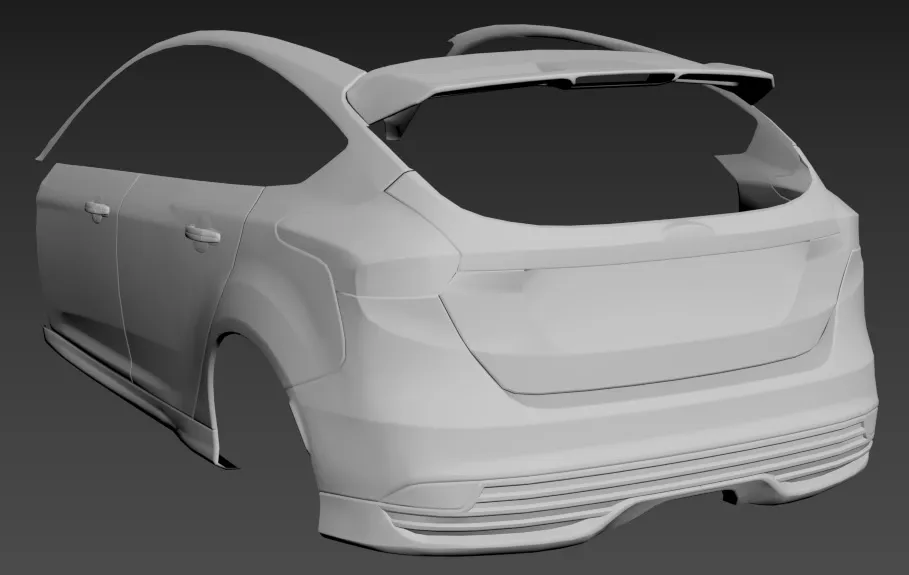
Update 5
I've remodeled the boot and most of the rear bumper, but its still unfinished and normals imperfect.
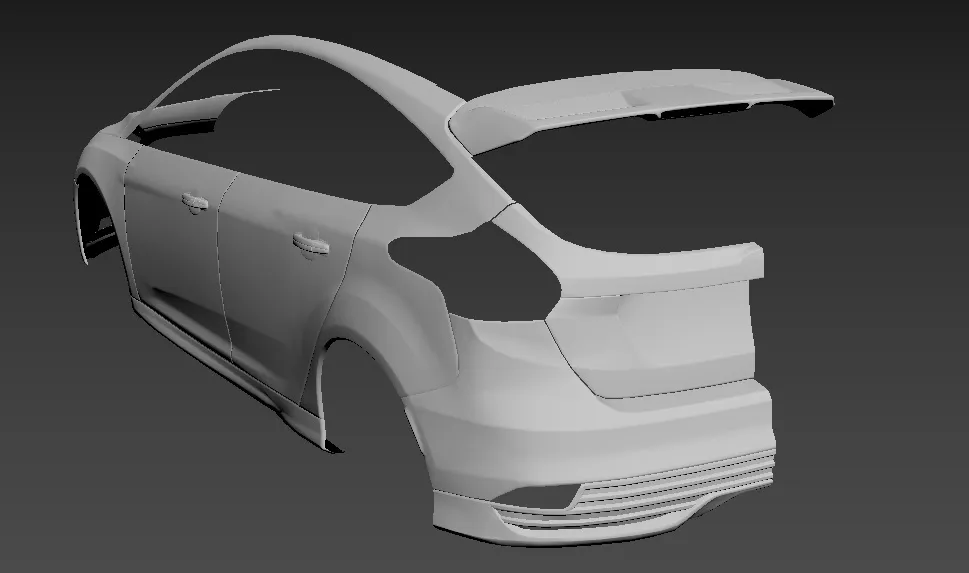
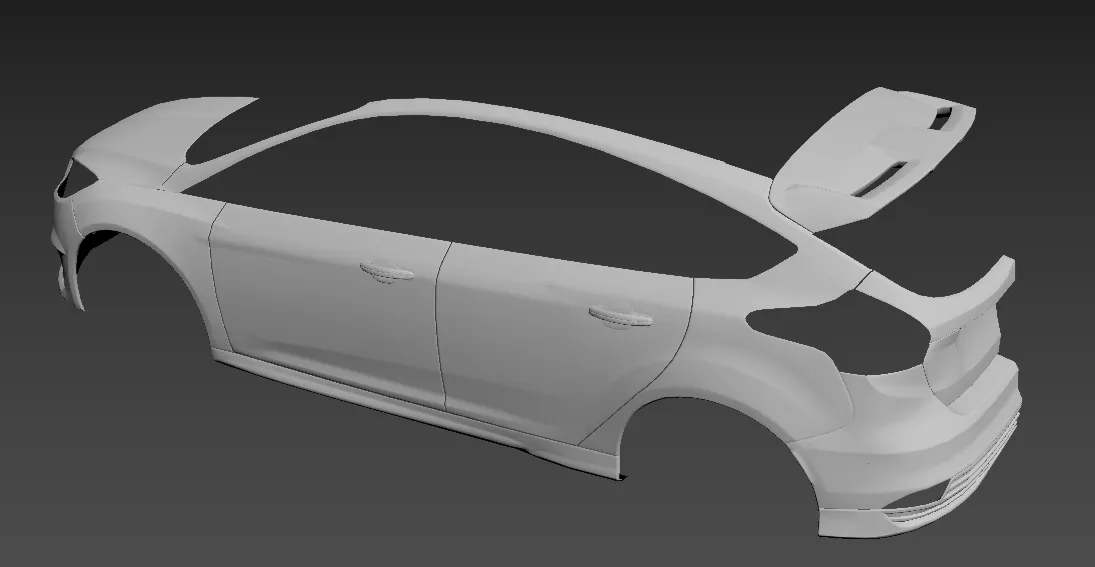
Thanks again to those who have been supporting the thread. I know its been months since the last update but unfortunately I've been very occupied with work.
Update 4
Headlights done. Moving to textures.
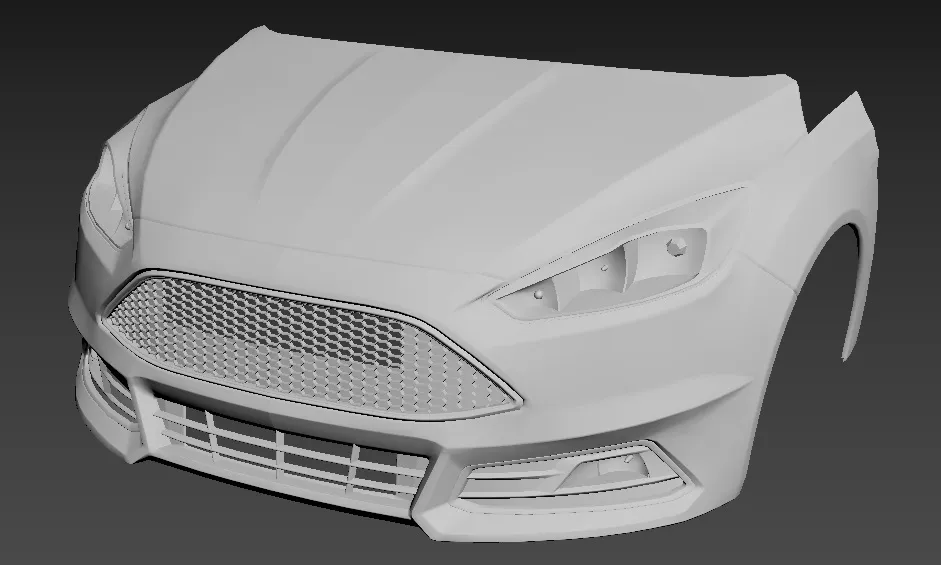
Update 3
Grilles and fog lights done. Moving to headlights.
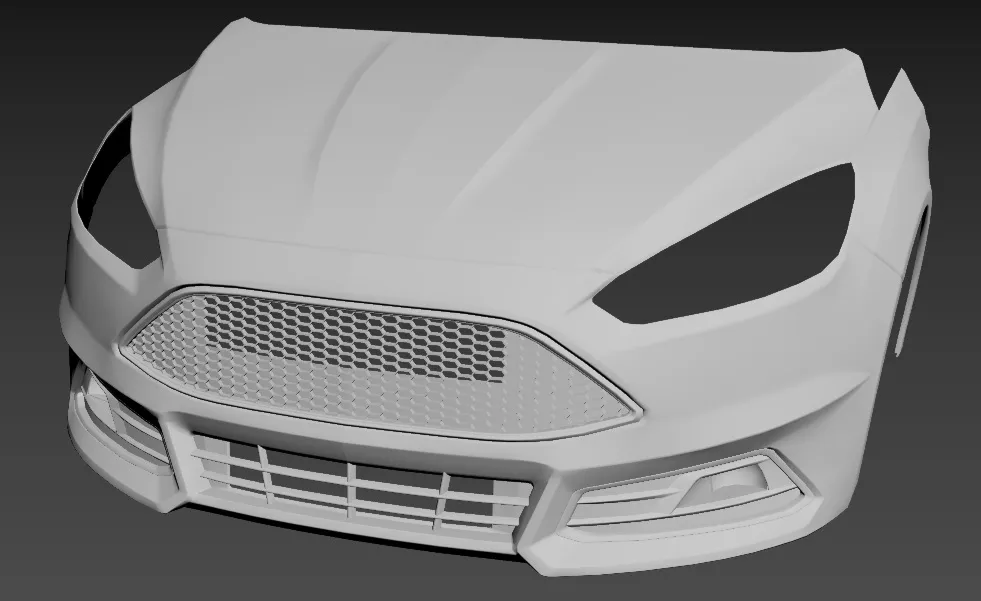
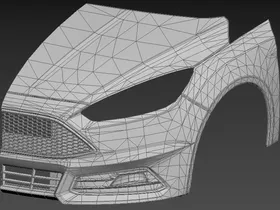
Update 2
I've finished the bonnet and smoothed out the bumper. Moving on to modeling trims and grilles, will iron out buggy normals as I progress.